
This portion of the intranet is used to log general information about the property. Parts of the information will be used in the confirmation email that a customer receives after booking, other parts will be used when displaying the property on a global search engine. *
-
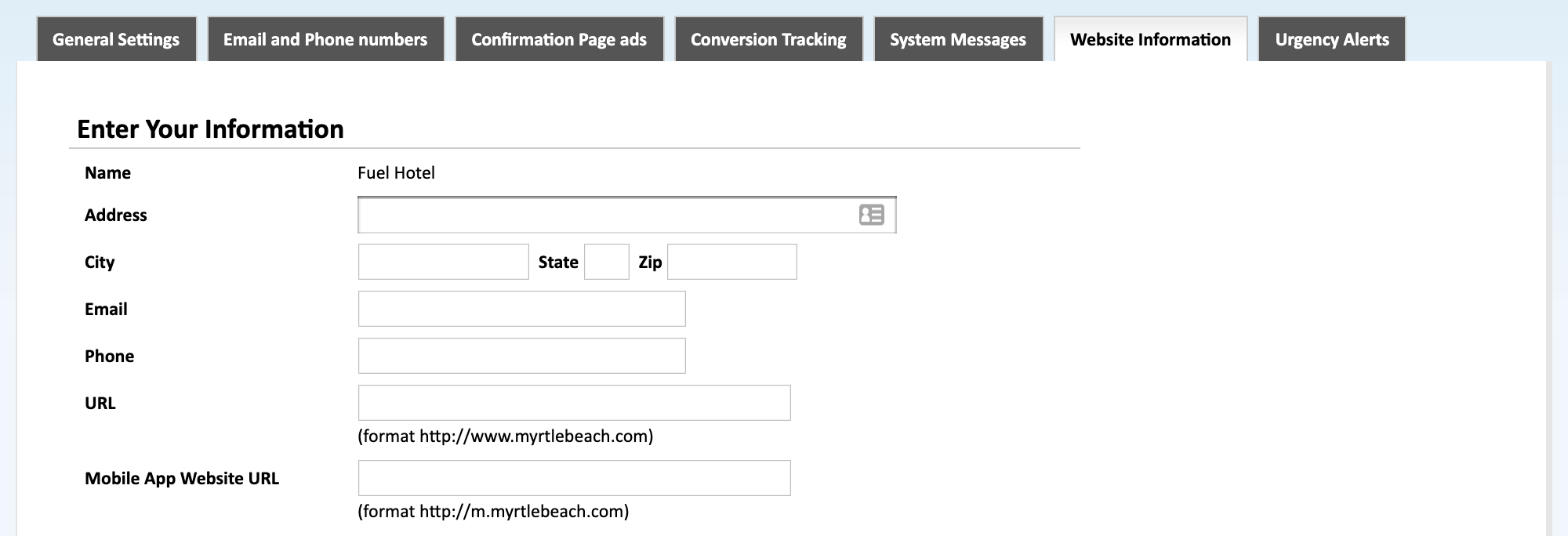
Enter Your Information
Enter your street address, city, state, zip code, primary email, phone number, url, and the mobile url for your property. The general information entered here is primarily used on the booking confirmation email that the customers receive.
-
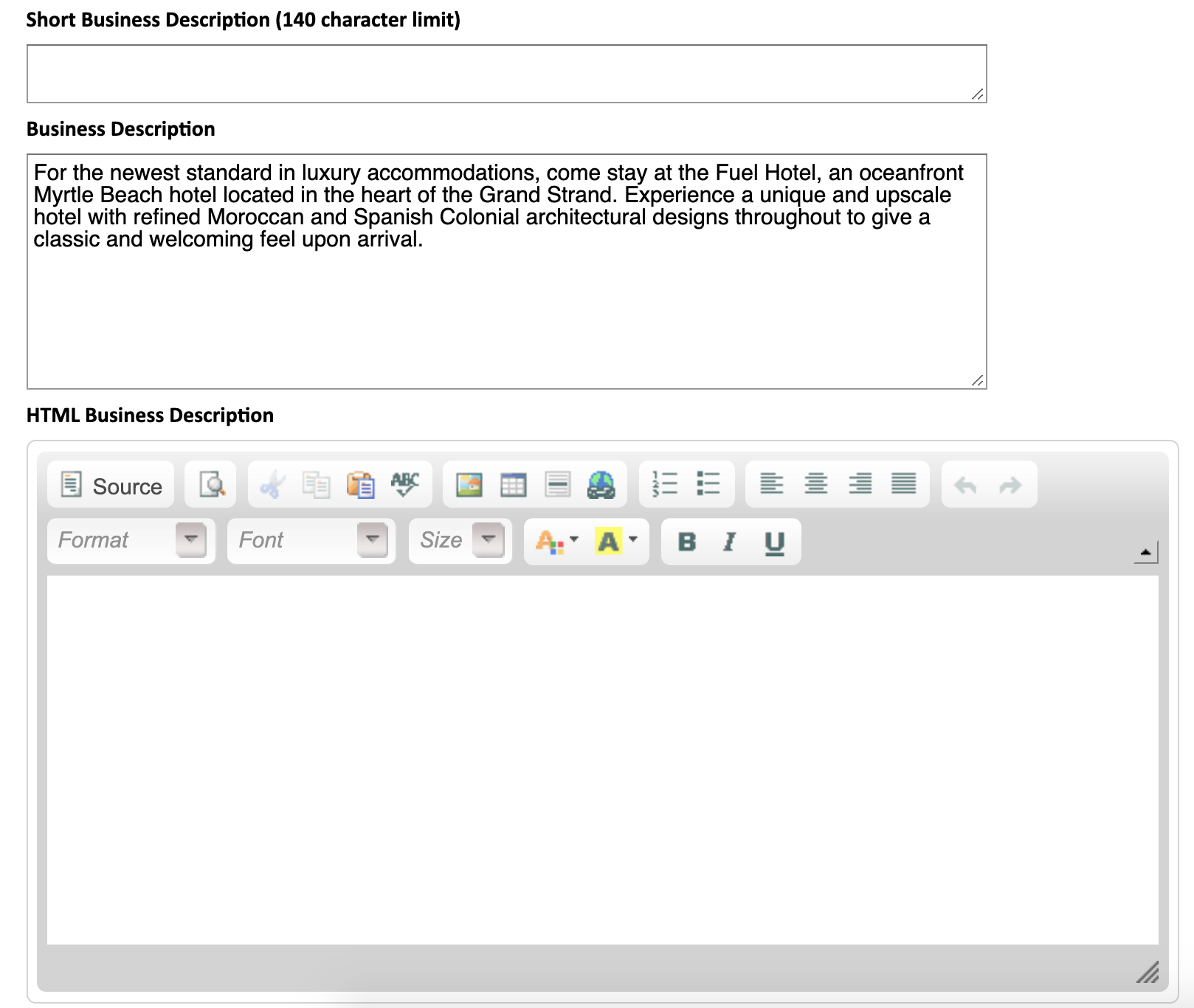
Business Description
Enter a short description of the property or company. There is a very short description, a plain test longer description, and an html description area. You can fill out any of these three blanks. These fields are optional and only apply if you are using one of our multiple-property search portals.
-
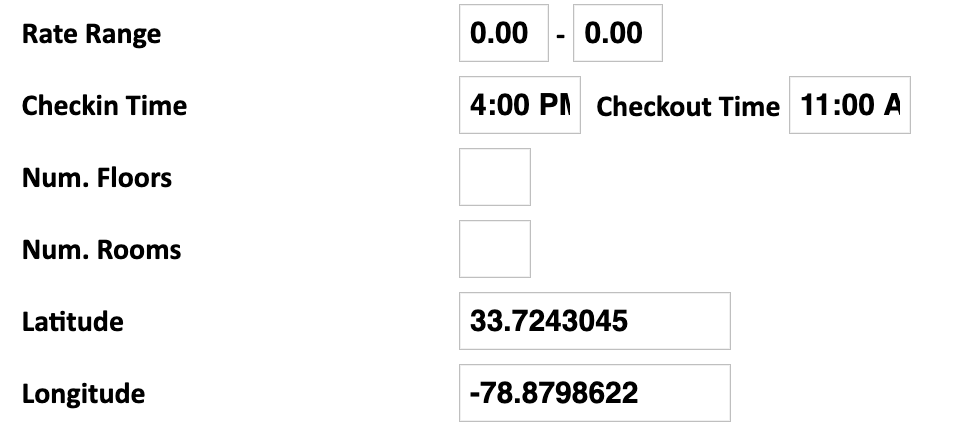
Hotel Information(optional)
- Rate Range- Enter the rate range the hotel's accommodations fall between.
- Checkin/Checkout Time- Enter the check-in and checkout time.
- Num. Floors- Enter the number of floors at the property.
- Num. Rooms- Enter the number of rooms at the property.
- Latitude- Enter the latitude of the property.
- Longitude - Enter the longitude of the property.

-
Media
Add images that will be used on the multiple property search.
Be sure to click the "Save Information" button at the bottom of the page!
*Based on the configuration of your system some of the above options may not be available. If you would like information about adding a service please call our support center at 843.839.1456
Continue Reading about the other parts of the System Settings:
General Settings -Part 1 (Live Interface)
General Settings -Part 2 (Live Interface)
General Settings - Allocation Rate Settings
Email and Phone Numbers
Confirmation Page Ads
Stay Alert Messages
Tax Settings
Website Information
Comments
0 comments
Please sign in to leave a comment.