
This section of the golf menu is used to create date sensitive notes for each golf course. One example of using notes is to notify customers that there is maintenance activities going on at the golf course for a certain period of time.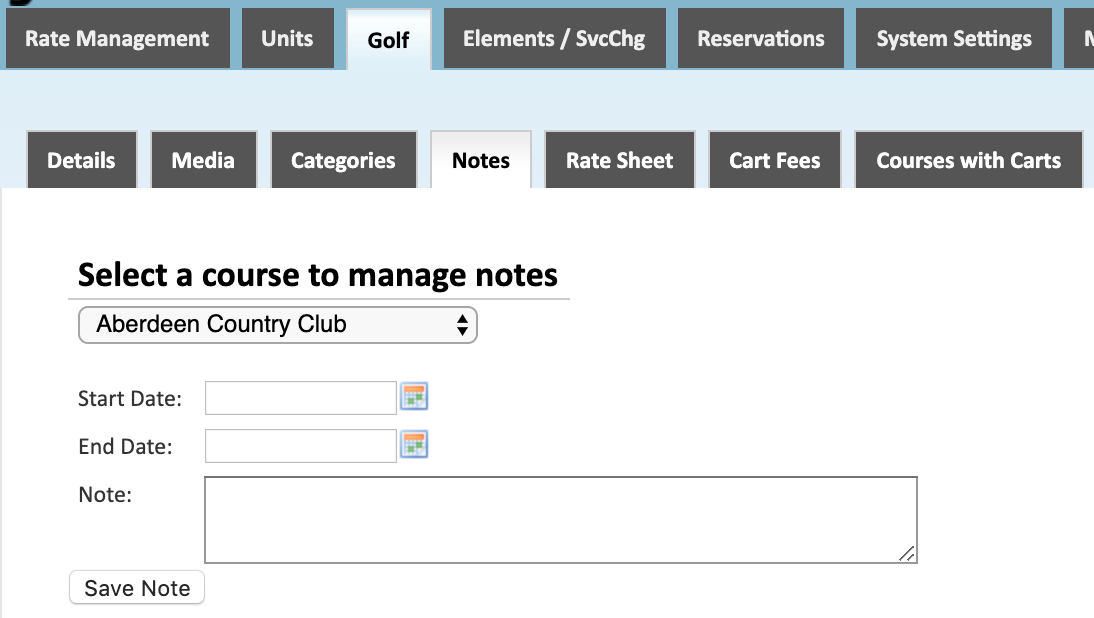
Course Selection
Select which course to manage notes for.
Date Range
Enter the date range that the note will be shown for.
Notes
Enter the note to be displayed for the course during the selected date range.
*Based on the configuration of your system some of the above options may not be available. If you would like information about adding a service please call our support center at 843.839.1456
Continue reading about the other sections of the Golf menu:
Comments
0 comments
Please sign in to leave a comment.