
This section of the golf intranet is used to make specific courses in a package required in order to book that package. You can also set the number of required courses to book. This option will guarantee that a customer books a certain number of different courses.

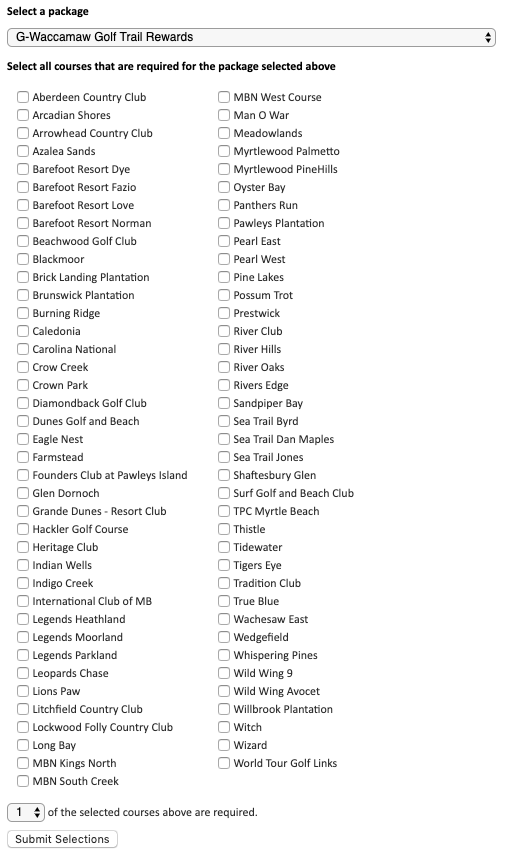
Select a package
Select a package from the drop down to assign required courses for.
Select all courses that are required for the package selected above
Use the check box for each course to designate it as required. This course list will only contain those courses that have rates loaded for the selected package.
Number of Selected Courses Required
Controls how many of the required courses must be booked. This option allows for the selection of many courses as required while only requiring the customer to book a few of the required courses.
*Based on the configuration of your system some of the above options may not be available. If you would like information about adding a service please call our support center at 843.839.1456
Continue reading about the other sections of the Golf menu:
Comments
0 comments
Please sign in to leave a comment.