
This section of the intranet is used to set a custom order for the rooms to be displayed on the rooms result page.
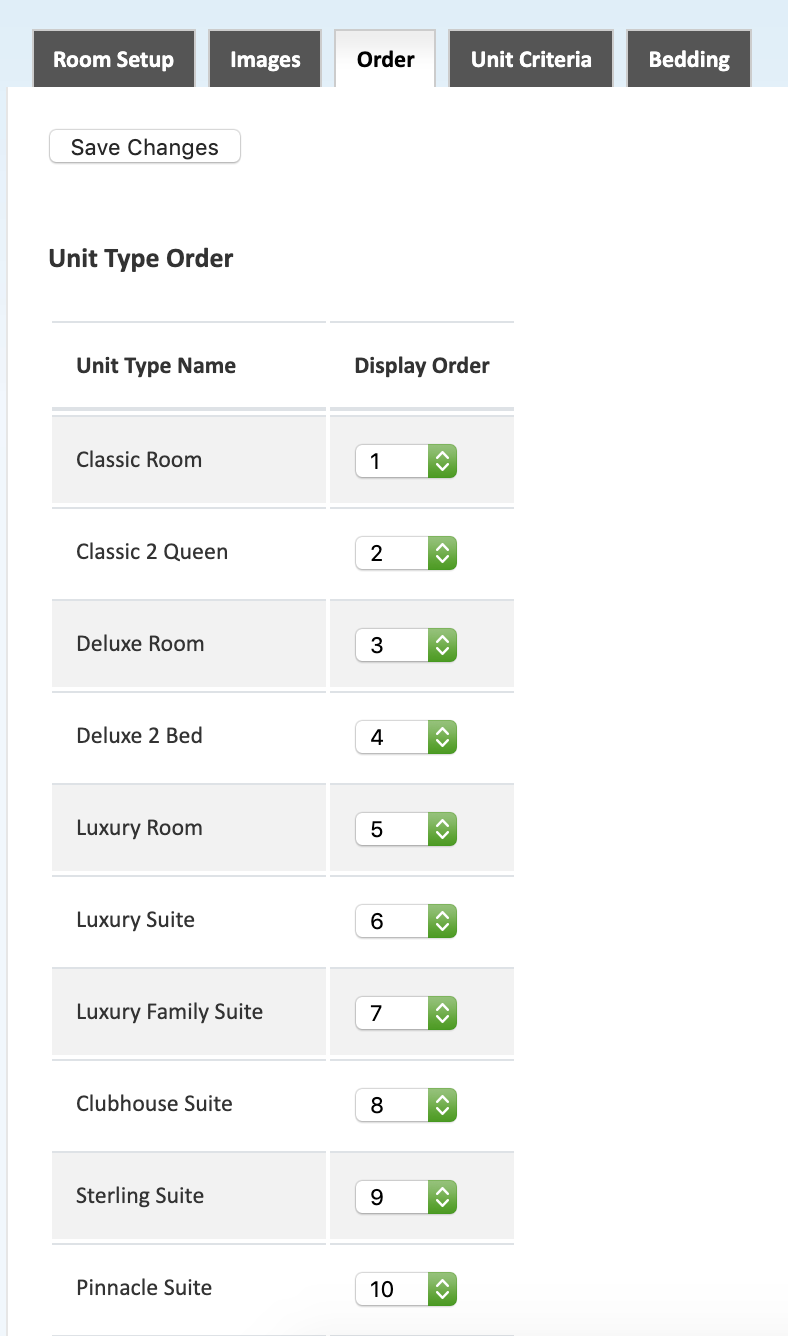
Order Rooms
The grid is used to set the order of the rooms. Enter the position number for each room type to be displayed. After setting this order, you must disable the room order setting in the General Settings menu.
*Based on the configuration of your system some of the above options may not be available. If you would like information about adding a service please call our support center at 843.839.1456
Continue reading about the other sections of the Rooms menu:
Room Setup - Allocation
Room Setup - Guestmate
Room Setup - IQware
Images
Virtual Tour
Groups
Inventory
Restrictions
Comments
0 comments
Please sign in to leave a comment.